
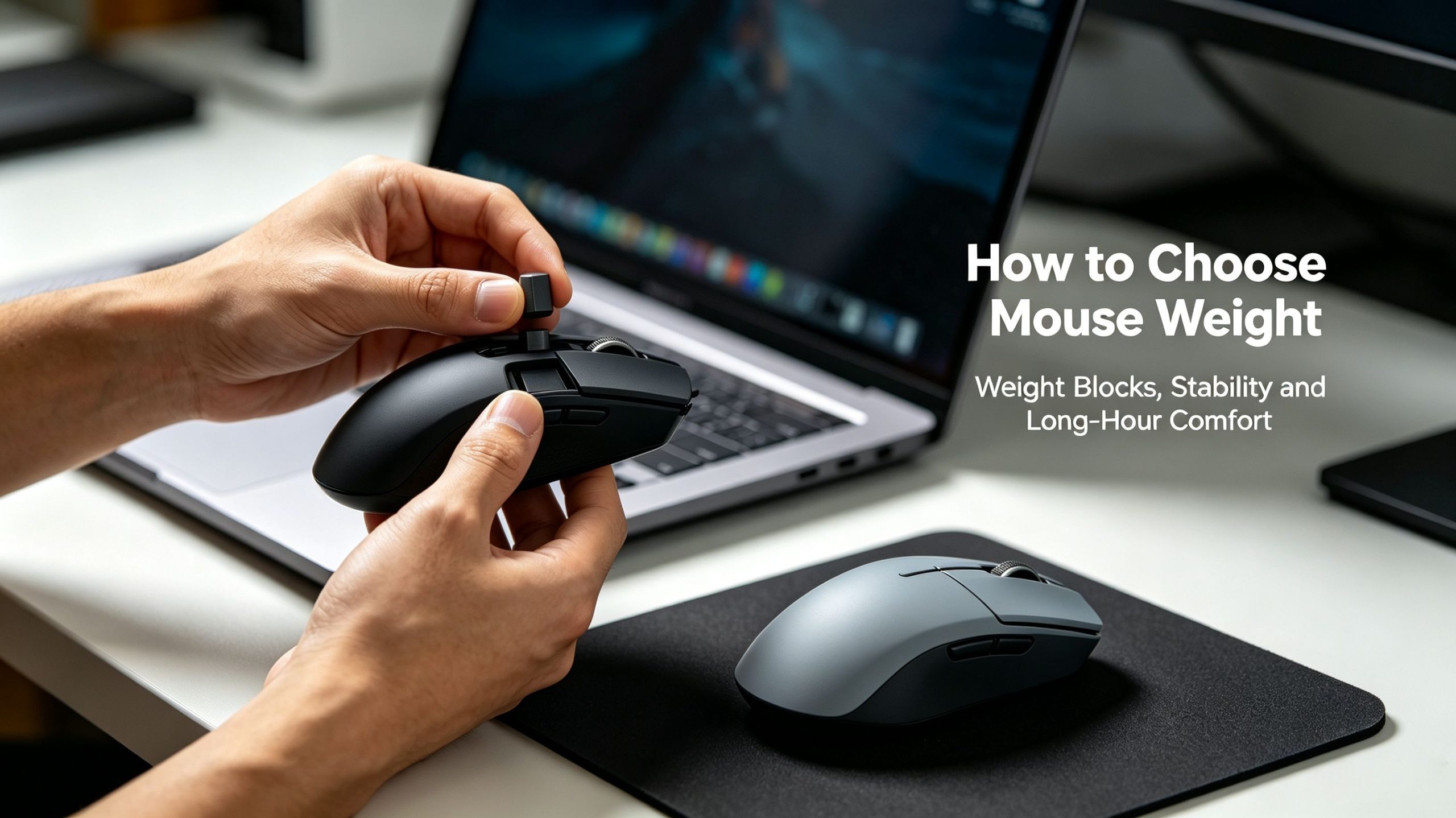
When shopping for a computer mouse, you may notice some gaming mice include removable metal weight blocks, while most office mice have none at all. Many people assume weight blocks are only for making the mouse heavier, but they serve more practical purposes. In this article, we will explain what mouse weight blocks do, why some mice skip them, and share practical tips to help you pick the right mouse weight for your daily work and gaming.
What are mouse weight blocks for?
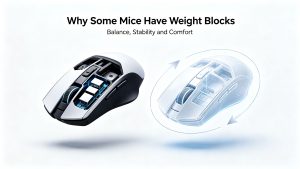
Weight blocks are small metal pieces that can be inserted inside a mouse to adjust its total weight and balance.
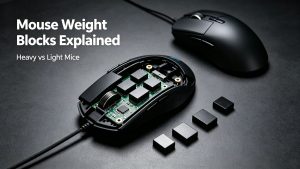
First, they improve stability and reduce cursor drift. An extremely light mouse can pick up tiny hand trembles, making the cursor shift unintentionally. Adding weight creates more inertia. When you move the mouse, the cursor follows your hand more steadily. This is useful for precise aiming in games or detailed graphic design work.
Second, they help adjust the mouse’s center of gravity. Some mice have heavy components like metal scroll wheels, which can create a head‑heavy feeling. Adding weight blocks at the rear can balance the mouse, preventing tilting or twisting when you slide it across the mouse pad.
Third, they let you customize hand‑feel for personal preference. Different people prefer different mouse weights. With removable weight blocks, you can add or remove pieces to get your ideal feel without purchasing a brand‑new mouse.
It is worth noting that weight blocks are mostly found on high‑end gaming mice. They are not a mandatory feature for every user.
Why many mice do NOT have weight blocks
Most office mice, slim wireless mice and modern lightweight gaming mice are built without weight blocks, and there are reasonable design reasons behind this.
The first reason is prioritizing light weight for long‑hour comfort. Lighter mice put less pressure on your wrist and forearm. For office work, web browsing and fast‑paced competitive games, a lightweight mouse lowers fatigue after hours of continuous use.
Second, removing weight‑block slots simplifies internal structure and cuts production cost. Building space for weight blocks requires more complex mold design. For affordable everyday mice, manufacturers remove this feature to keep the mouse slim, portable and cost‑effective.
Third, modern high‑quality optical sensors can deliver stable tracking even on very light mice. The old‑generation need for heavy weight blocks to fix cursor drift is far less necessary today.
Fourth, weight blocks go against the portability goal of travel‑oriented wireless mice. Slim rechargeable wireless mice are made for laptops and on‑the‑go use. Extra metal blocks would add unnecessary bulk and weight.
How to choose: weight blocks or no weight blocks?
There is no universally perfect mouse weight. Your decision depends on your usage scenario, grip style and hand size.
You may prefer a mouse with removable weight blocks if:
You play FPS, MMO games or do graphic design and need steady, accurate cursor control.
You use palm grip, resting your full palm on the mouse back. Palm‑grip users often enjoy the solid, weighted sensation.
You have larger hands and like a substantial, heavy‑feeling mouse.
You are better off choosing a mouse without weight blocks if:
You mainly use the mouse for office work, web browsing and document editing.
You use claw grip or fingertip grip, and prefer quick, fast mouse movements.
You need a portable wireless mouse for laptops and travel.
You suffer from wrist discomfort and want to minimize wrist strain during long‑time use.
Final thoughts
Weight blocks are a customization feature, not a sign of better quality. A heavy mouse with weight blocks is not always superior to a lightweight mouse without them.
If you want stability and custom feel, go for a mouse with removable weight blocks. If you value portability, long‑hour comfort and fast movement, a lightweight mouse without weight blocks will be a better match. Always test the mouse weight based on your own hand and usage habits.